How to withdraw from Hyperliquid
Much simpler than a CEX withdrawal. No exchange approval — just sign in your wallet. The fee is a flat 1 USDC regardless of amount.
EVENTCODE· No sign-up · One wallet connection · Applied before your first trade
Fees and timing
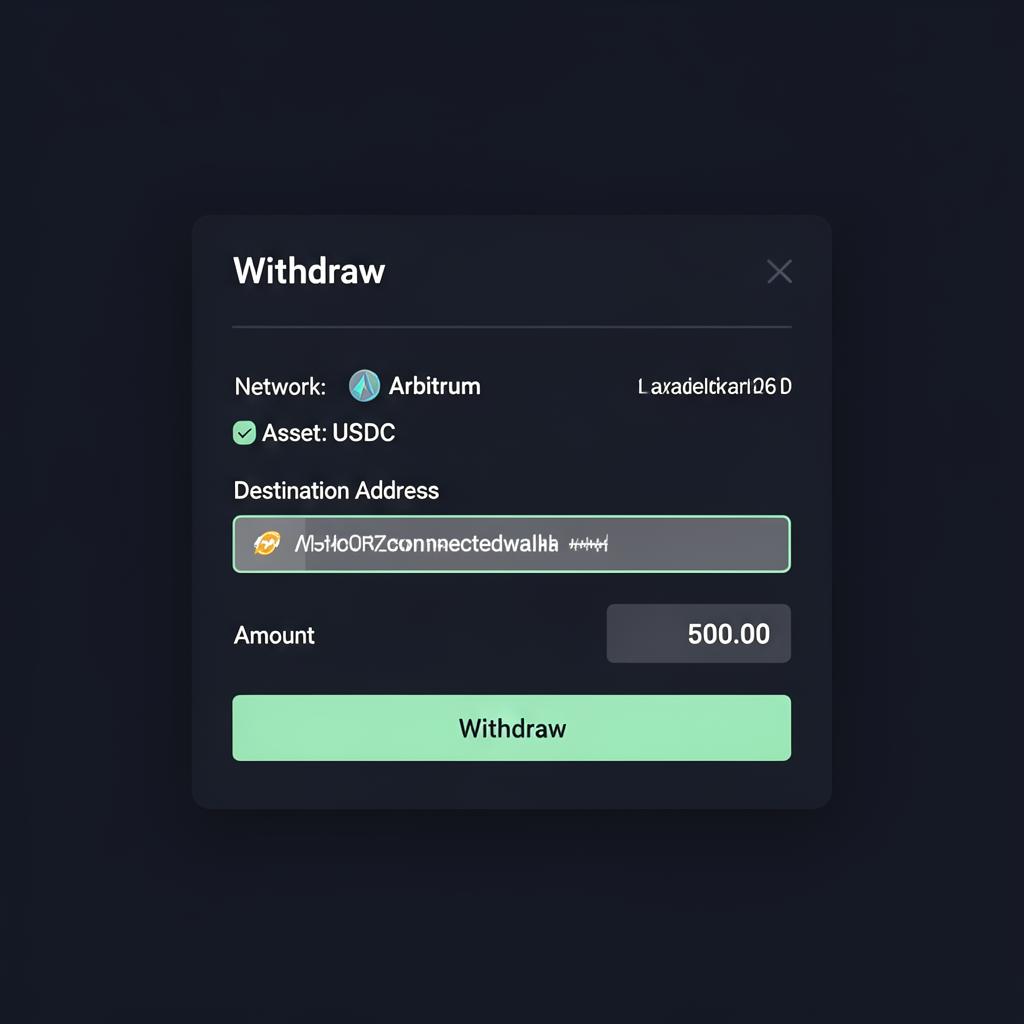
Enter the recipient address and amount in the Withdraw modal, then sign in your wallet. The lack of exchange approvals is a defining advantage on the withdrawal side.
| Item | Detail |
|---|---|
| Withdrawal fee | Flat 1 USDC (regardless of amount) |
| Approval process | None — wallet signature only |
| Default route | USDC on Arbitrum |
| Arrival time | Seconds to minutes (on Arbitrum) |
Full path back to fiat
How to move USDC from Hyperliquid back to fiat via a centralized exchange.
Open the Withdraw modal
Open the Withdraw menu in the app. There is no separate verification step; requests are processed immediately.
Enter an amount — destination auto-fills
The destination address is not a free-form field. It is automatically set to your connected wallet, and withdrawals always land on your own Arbitrum USDC address. Sending directly to a third-party or exchange address is not supported — receive first, then send onward. Max pre-fills the amount minus the 1 USDC fee.
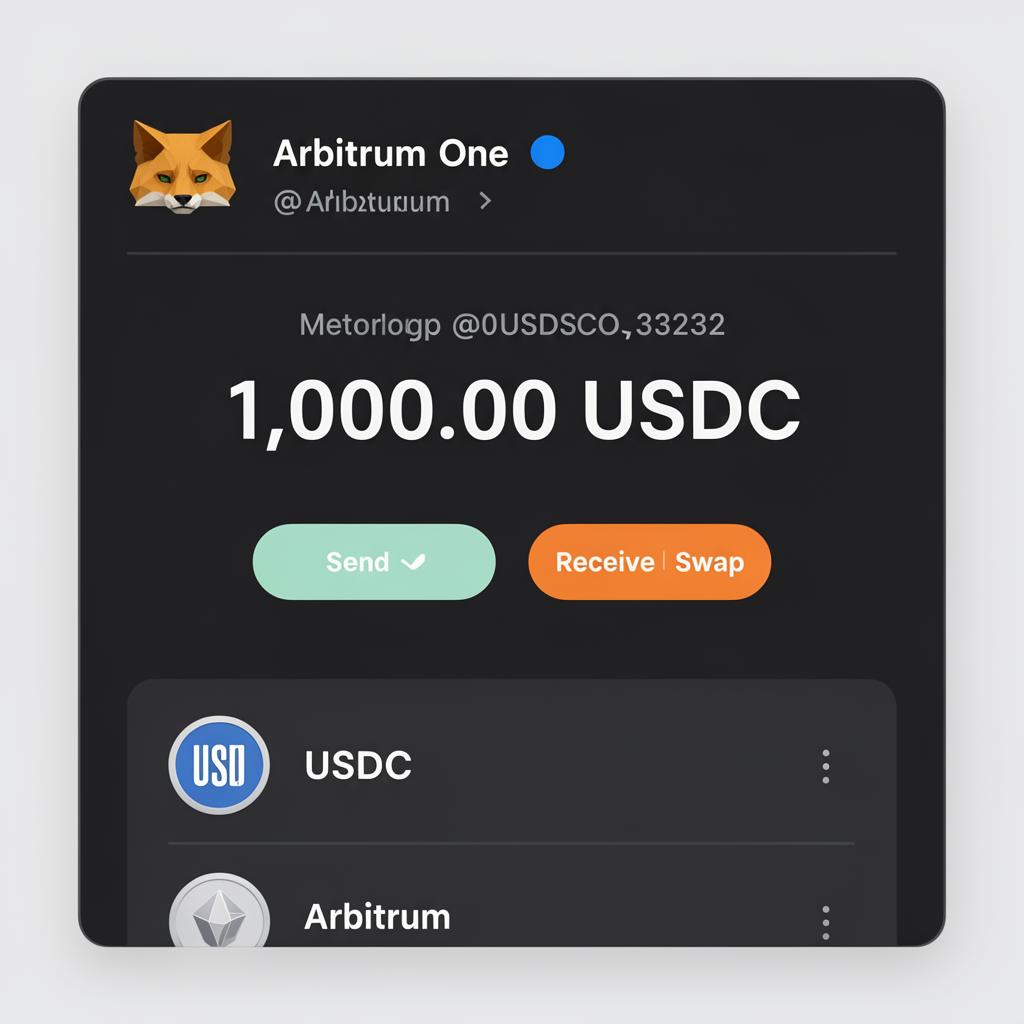
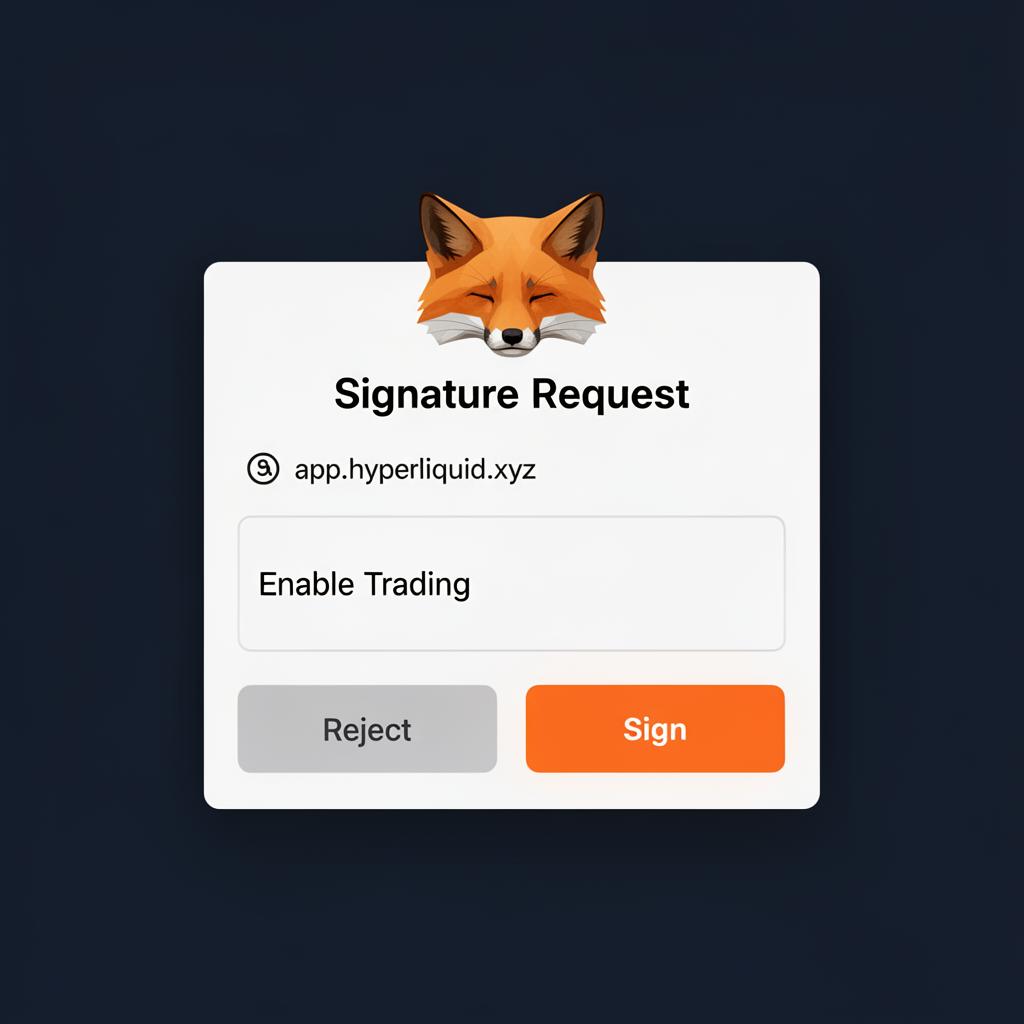
Sign in your wallet
Approve the signature request in your wallet. The 1 USDC fee is deducted and funds typically arrive within seconds to minutes.
Send to a CEX to off-ramp
Send the received USDC to a centralized exchange (Binance, Coinbase, Kraken, OKX, etc.) and convert to your local fiat via the CEX's supported off-ramp.
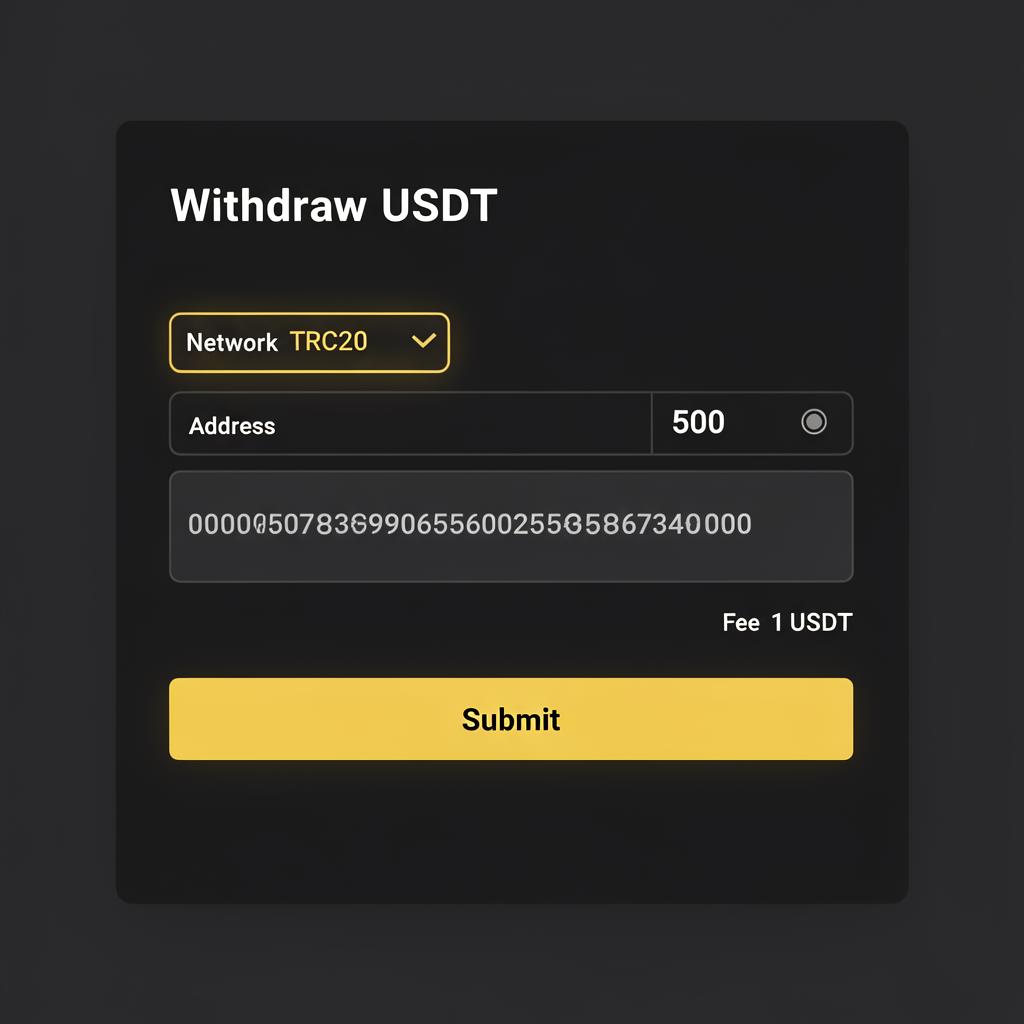
Always test with a small amount first
Trade in a frictionless withdrawal environment
No withdrawal approvals gives active traders real flexibility.
EVENTCODEThe 4% discount only applies if the code is entered before your first trade.
Need the deposit path instead? See How to deposit.