How to sign up for Hyperliquid
There is no email/password sign-up and no KYC. Connecting a web3 wallet once is your account creation.
EVENTCODE· No sign-up · One wallet connection · Applied before your first trade
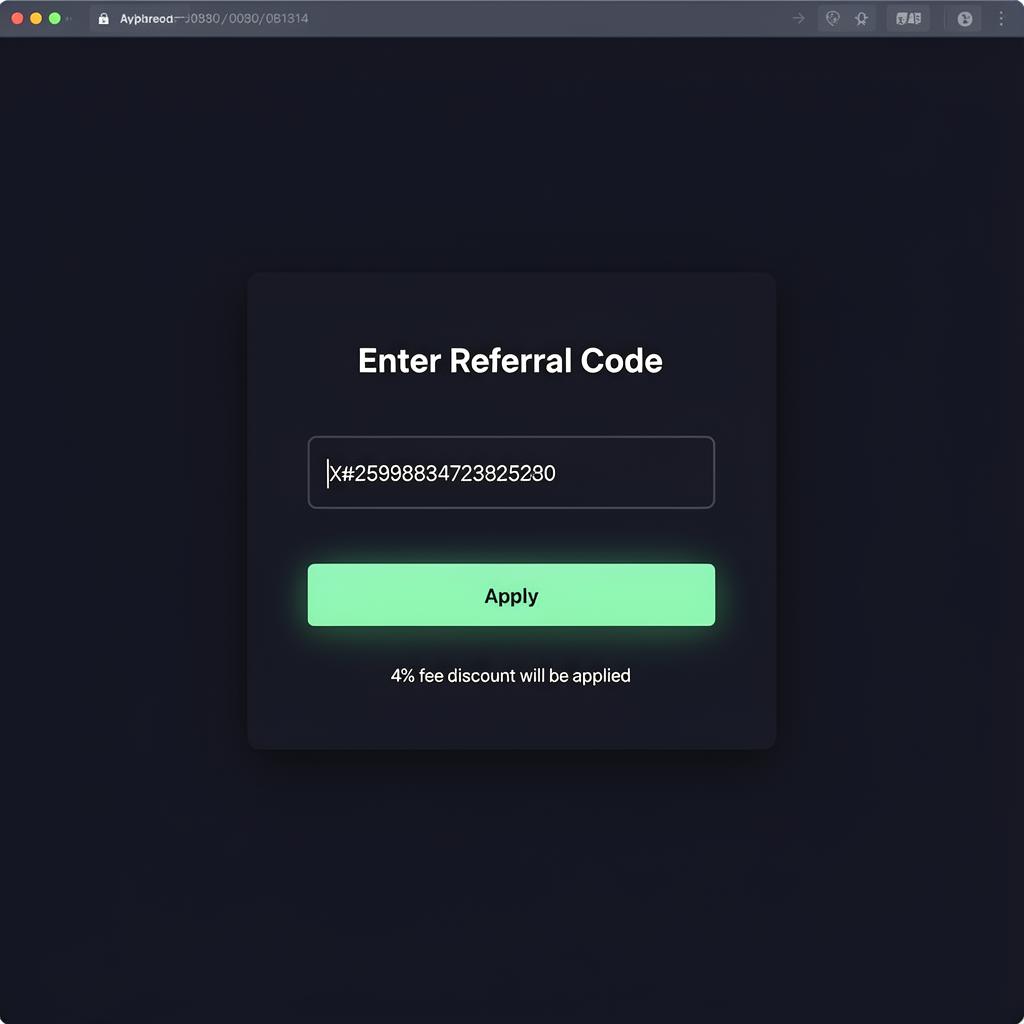
Enter referral code EVENTCODE before your first trade
In the app, open Referrals → Enter Code and type EVENTCODE to receive a 4% trading fee discount. Even if you have already deposited, the code still counts as long as it is entered before your first trade. Once a wallet has placed its first trade the discount can no longer be applied, so enter the code immediately after depositing.
There is no separate "sign-up"
Click Connect in the app and your wallet address becomes your account. Connect the same wallet again and you are back in the same account.
All you need is a wallet
MetaMask or any WalletConnect-compatible mobile wallet.

Keep your seed phrase offline
This is a self-custody setup — losing your seed phrase means losing access to funds.

Discount before first trade
Enter the referral code before you place your first order to lock in the 4% discount.
Four steps to your first trade
Follow the steps below to be ready to trade within about five minutes.
Open via the referral link
If you go directly to the app without entering the referral code, the 4% discount can no longer be applied to that wallet. Use the referral link (or enter code manually in Referrals → Enter Code) before your first trade — it cannot be applied retroactively.
Click Connect (top right)
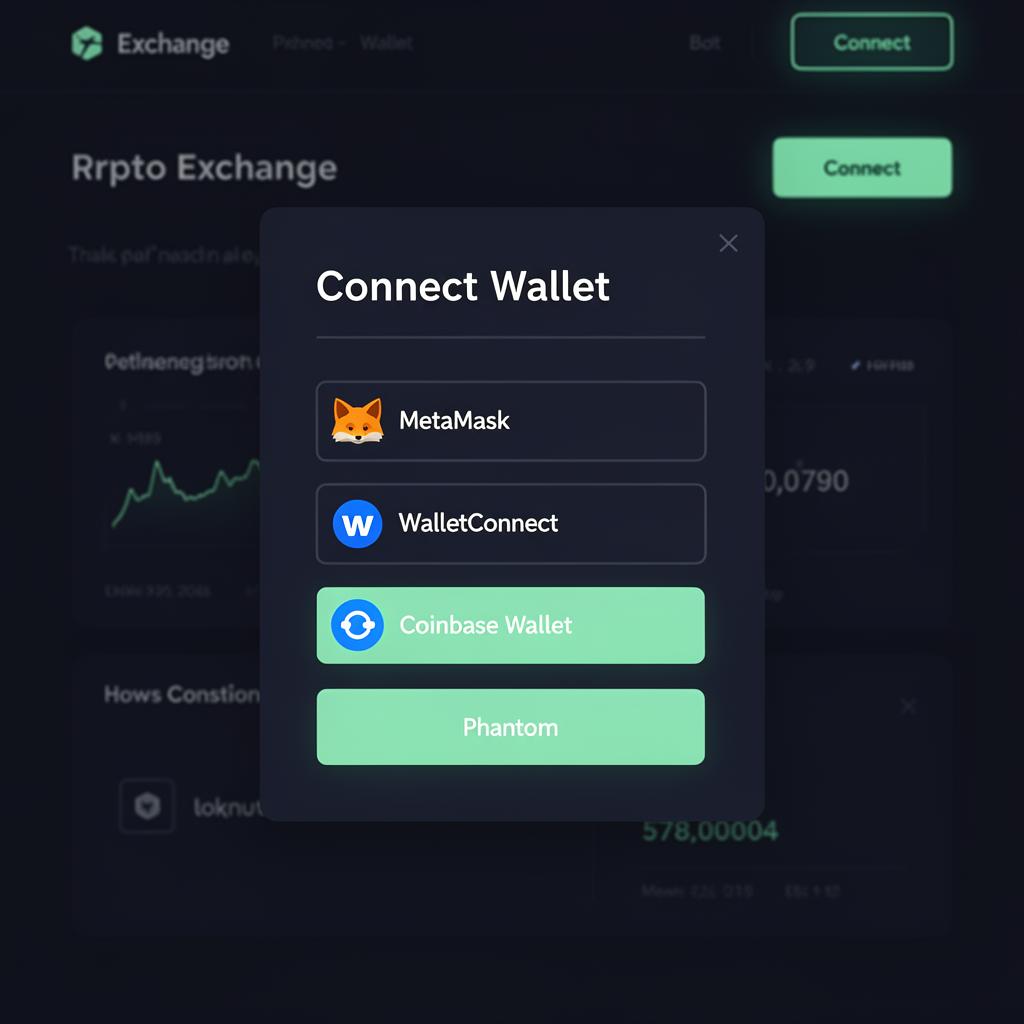
Click Connect in the top-right corner and pick your wallet (MetaMask, WalletConnect, etc.). On mobile, WalletConnect QR or your wallet's in-app browser is the simplest path.
Sign the one-time Enable Trading message
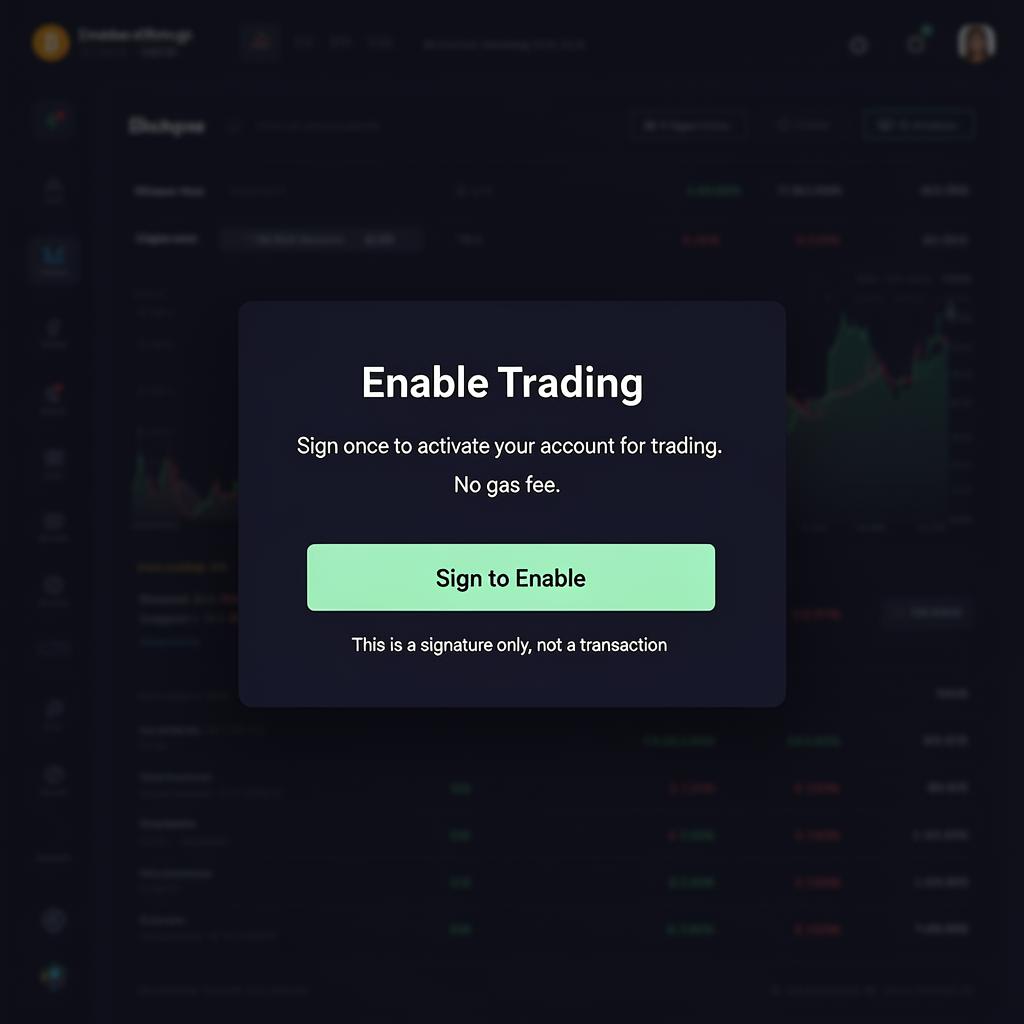
Right after connecting, you'll see an "Enable Trading" signature request. It uses no gas and simply registers your wallet as the trading account. There is no separate user ID or password to set.
Confirm the 4% discount on the Referrals page
Open the Referrals page (/referrals). You will see three tabs: Enter Code · Create Code · Claim Rewards. If you arrived via the link the code is already applied; otherwise enter EVENTCODE in the Enter Code tab. Then move on to USDC deposit.

Good to know
Next step: USDC deposit
This is where most first-timers get stuck. The deposit guide walks through the full CEX → wallet → Hyperliquid path.
EVENTCODEThe 4% discount only applies if the code is entered before your first trade.